Dynamic Visibility
Conditional Show Guide
Conditional Show Guide
What It Does
The Conditional Show macro wraps content that should be hidden by default and shown only to a specific group or condition. Think of it as "show this only to X."
Step-by-Step Setup
- Click on Edit button
- Click + (Insert) → search for Conditional Show
- Write the content inside the macro body.
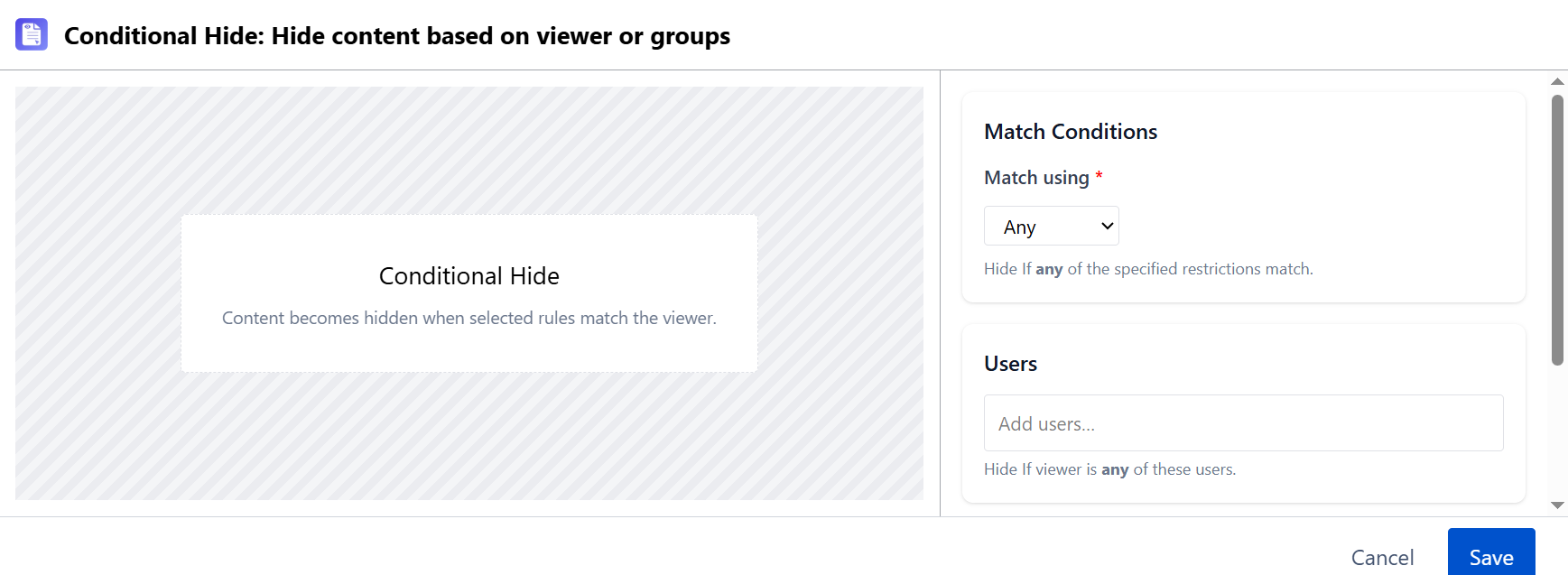
- In the config panel:
- Set Match using to Any (show if viewer matches any condition) or All (show only if viewer matches all)
- Under Users, search and select specific Confluence users who should see this content (optional)
- Under Groups, search and select Confluence groups who should see this content (at least one user or group required)
- Click Save.
- Preview in View mode - sign in as a user in the target group to confirm visibility
Multiple Conditions
You can stack multiple Conditional Show macros to show different content to different groups. Each macro is evaluated independently.
Troubleshooting
| Symptom | Likely Cause | Fix |
|---|---|---|
| Content not showing for target group | Wrong user or group selected | Re-open the macro config and verify the correct user/group is selected |
| Content showing to everyone | Selected group includes all users | Use a more specific group or switch to individual user selection |
| Edit mode always shows content | Expected behavior - edit mode bypasses visibility conditions | Test in View mode |