Project & Data Integrity
Projects
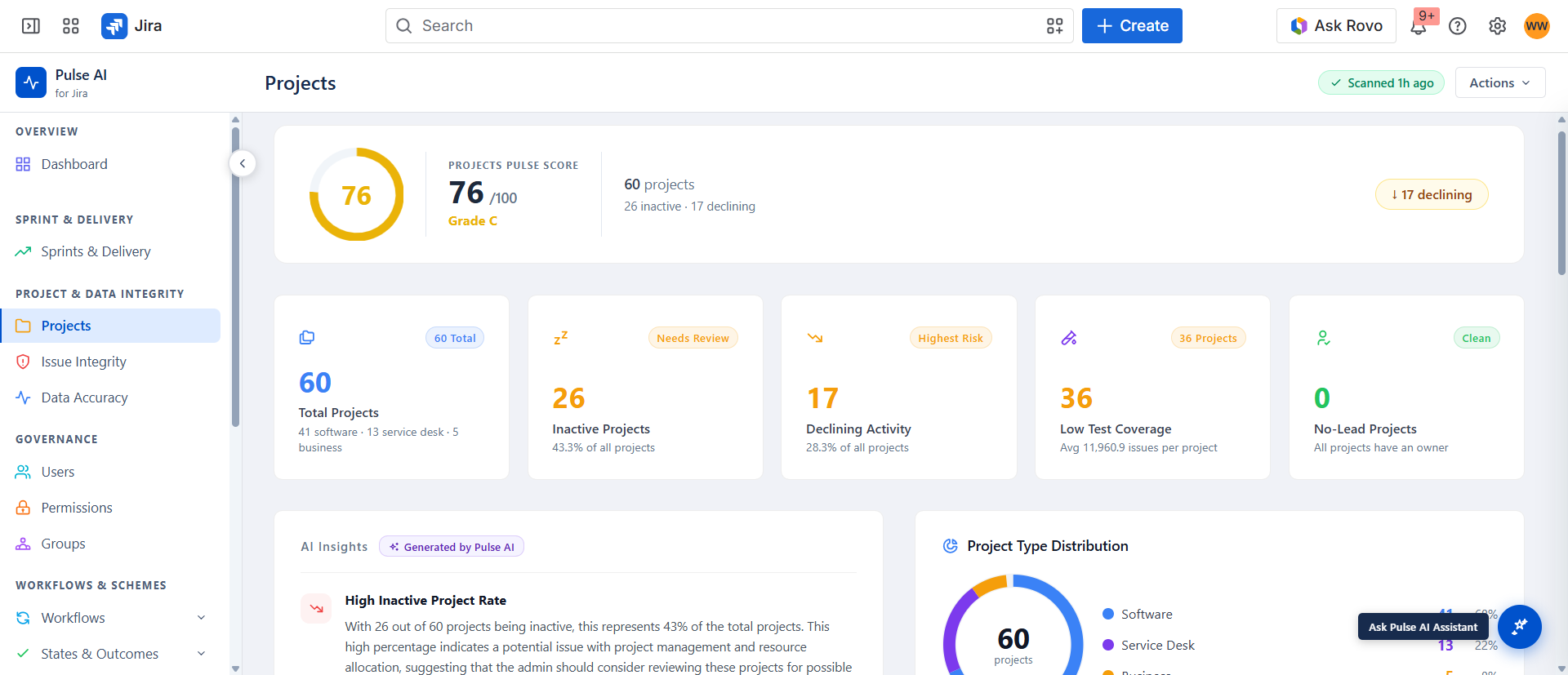
Navigate to Project & Data Integrity → Projects. This pillar validates that Jira data accurately reflects actual work. Misconfigured or incomplete data corrupts reporting and misleads delivery tracking.
Provides a Pulse Score per project with stale backlog, lead coverage, and activity flags. Supports both a dashboard card view and a tabular view (toggle in the section topbar) with search, sort, and pagination.
Project Table Columns
| Column | Description |
|---|---|
| Project | Project display name. |
| Key | Jira project key (e.g., AD, PO). |
| Type | Software, Service Desk, Business, etc. |
| Last Activity | Time since last issue update. ≥ 90 days = stale. |
| Lead | Project lead. Empty = no lead - a scoring deduction. |
| Issues | Total open issue count. |
| Pulse Score | Per-project health score (0–100). |
| Pulse Summary | Stale Backlog, Inactive, No Lead, Empty, or Clean. |
Key Terms
| Term | Definition |
|---|---|
| Stale Backlog | Stale issues ÷ total issues > 30%. |
| Inactive | Project with no issue activity for ≥ 90 days. |
| No Lead | Project has no lead user assigned. |
| Empty | Project has zero issues. |
| Clean | No active findings detected. |