Rich Content Formatting
Tooltip Macro
Tooltip Macro
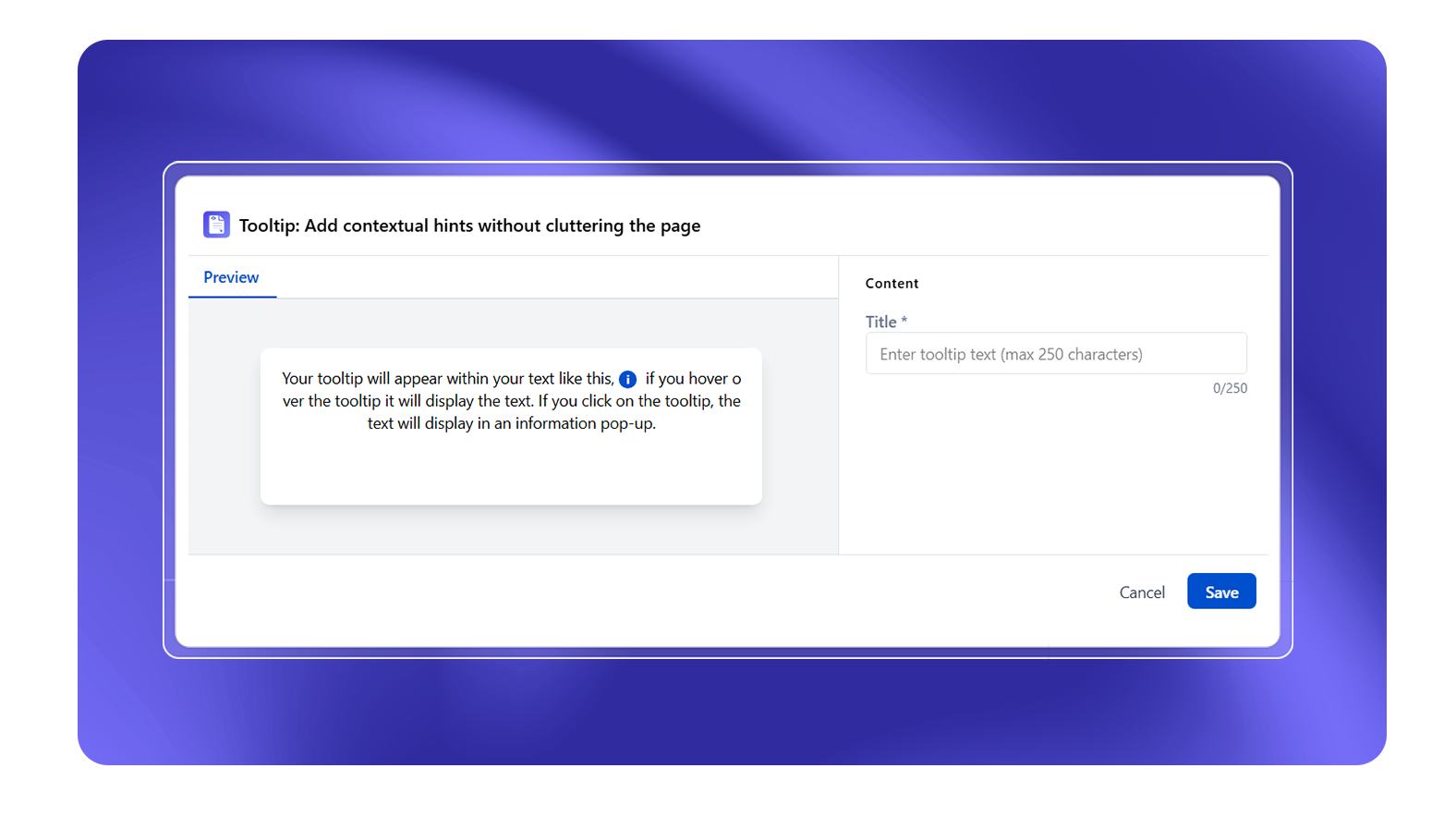
What It Does
The Tooltip macro wraps a word or phrase with a hover tooltip that reveals additional context - a definition, explanation, or note. The tooltip appears on mouse hover and disappears when the cursor moves away.
Configuration
| Setting | Description |
|---|---|
| Tooltip text | The text that appears when the user hovers over the macro (max 250 characters, plain text only) |
The tooltip trigger is the content placed inside the macro body in the editor - any text or inline content you type inside the macro becomes the hoverable trigger.
When to Use Tooltips
- Acronym definitions: Wrap "JQL" with a tooltip explaining "Jira Query Language"
- Technical term glossary: Inline definitions without disrupting reading flow
- Contextual hints: Indicate why a field is mandatory
Limitations
- Tooltip content is plain text only - no links, formatting, or macros inside a tooltip
- Tooltips are not visible on mobile (touch devices have no hover state) - provide an alternative explanation in the body text for mobile readers
- Screen readers may not announce tooltip content - use tooltips to supplement, not replace, visible text
Best Practice
Use tooltips sparingly. If the definition is important enough that most readers need it, put it in the main text. Tooltips are best for optional context that would interrupt reading if always visible.